
Most people organize their files and notes the same way they were taught to organize a school binder.
- Marketing stuff in the marketing folder.
- Health stuff in the health folder.
- Work stuff in the work folder.
It feels logical. It mirrors how a physical filing cabinet works.
The problem shows up the moment you need to actually use something.
You’re working on a product launch and the relevant information is scattered, some in a “marketing” folder, some in a “clients” folder, some in a “2024” folder.
You know it exists. Finding it takes longer than it should.
Tiago Forte’s PARA method fixes this by flipping the organizing question. Instead of asking what is this about, it asks how actionable is this right now.
That single shift is what the whole system is built on.
What PARA actually is
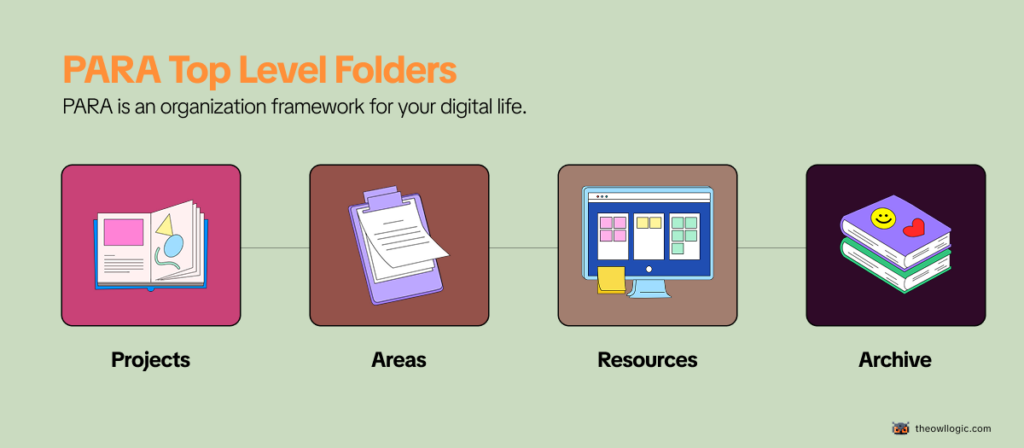
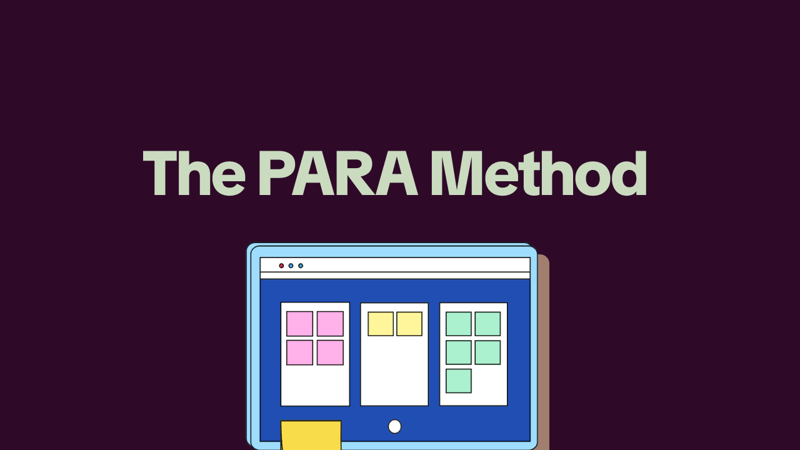
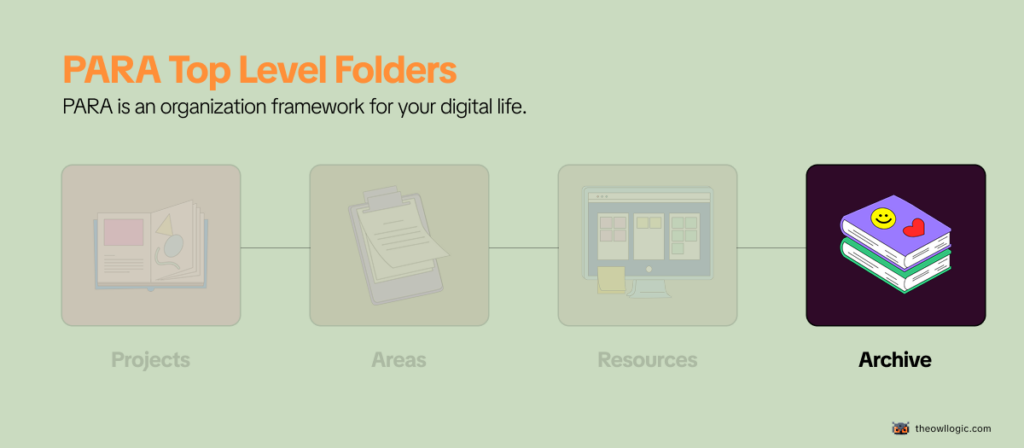
PARA is an organizational framework for your digital life. It stands for Projects, Areas, Resources, and Archives – four categories that, between them, can hold everything you’ll ever need to organize.
It works in any tool: Notion, Obsidian, Google Drive, Apple Notes, plain folders on your desktop.
The structure is the same regardless of where you implement it.
Here’s the short version:
- Projects – things you’re actively working on right now, with a clear finish line
- Areas – ongoing responsibilities you maintain over time, with no finish line
- Resources – topics you’re interested in and might reference later
- Archives – anything from the above three that’s no longer active
That’s the entire system. Four folders at the top level, and everything else lives inside them.
Breaking down each category
Projects
A project has two things: a goal and a deadline. When it’s done, it’s done.
Examples of actual projects:
- Launch the new pricing page by end of month
- Write and publish three blog posts this quarter
- Set up automated invoice reminders before Friday
- Renovate the spare bedroom
What makes something a project isn’t its size – it’s that you’re actively working on it right now and it has a finish line. Once it’s complete, it moves to Archives.
Areas
An area is an ongoing responsibility with no end date. You don’t complete it. You maintain it.
Examples of actual areas:
- Health (you’re never “done” with your health)
- Finances (ongoing, always)
- Team management (as long as you have a team)
- The Owl Logic (a blog you maintain indefinitely)
The distinction matters more than it sounds.
A lot of people set up PARA, feel good about it for two weeks, and then quietly stop using it.
The most common reason: they put areas inside projects. “Health” becomes a project. “Marketing” becomes a project.
But they have no finish line, so they never get archived, never feel done, and the whole system starts feeling cluttered and unresolved.
If something will still exist in your system a year from now, it’s an Area, not a Project.
Resources
Resources are things you find useful or interesting that don’t belong to a current project or area, but you want to keep for future reference.
Examples of actual resources:
- A collection of articles about copywriting frameworks
- Notes from a course on SQL you took six months ago
- A list of tools you evaluated but didn’t pick yet
- Bookmarks on automation patterns you want to try
Resources are organized by topic, not by actionability.
They’re the closest thing in PARA to a traditional folder structure, but they’re clearly separated from your active work, which keeps them from polluting your Projects and Areas views.
Archives
Archives is where things go when they stop being active – not when they stop being useful.
- A completed project gets archived.
- An area you’re no longer responsible for gets archived.
- A resource topic you’ve lost interest in gets archived.
The key is that archived doesn’t mean deleted. It means out of your active view until you need it again.
This is what makes PARA sustainable long-term.
Most organizational systems collapse because nothing ever leaves, everything just accumulates until the system becomes unnavigable.
In PARA, archiving is a first-class action, not an afterthought.
Organize by actionability is the core idea
The reason most folder systems fail isn’t laziness. It’s that organizing by topic creates the wrong mental model for knowledge work.
When you file something under “marketing,” you’ve described what it is. But you haven’t told yourself anything about what to do with it, or when.
PARA organizes by how active something is right now.
- Projects are the most active.
- Areas are always-on but lower urgency.
- Resources are background.
- Archives are dormant.
This maps directly to how your attention actually works – you need different things at different times, and the system makes that visible.
Forte describes it as organizing for action, not for storage. The folder structure is a reflection of your current priorities, not a filing cabinet for past decisions.
Where people get confused
Confusing Projects and Areas is by far the most common mistake. Here’s a quick test:
Ask yourself: can this be completed?
- “Fitness” – can’t be completed. That’s an Area.
- “Run a 5K in under 30 minutes by March” – has a finish line. That’s a Project.
- “The Owl Logic” – ongoing blog, no end date. That’s an Area.
- “Write and publish the PARA method article” – specific deliverable. That’s a Project.
If you can’t imagine what “done” looks like, it’s an Area. If done is obvious, it’s a Project.
Treating Resources as a junk drawer is the second common failure. Resources should be organized by topic with enough structure that you’d actually find things again. If you’re dumping everything loosely into Resources because you’re not sure where else it goes, the folder becomes useless fast.
Over-engineering the setup before you have anything to organize.
Forte’s own advice here is useful: don’t migrate everything at once. Start with what you’re working on right now, set up Projects and Areas for those things, and let the system fill in naturally over time.
The people who try to reorganize their entire digital life in a weekend almost always abandon it by week three.
A practical example: solo builder using PARA
Here’s what a realistic PARA setup might look like for someone building and running a small SaaS product alongside a blog:
Projects
- Ship v2.0 release before end of June
- Write 4 blog posts for Q2
- Set up email onboarding sequence
Areas
- Product (ongoing development and maintenance)
- Blog (content, SEO, growth)
- Finances (invoicing, subscriptions, taxes)
- Health
Resources
- SaaS pricing research
- Email marketing examples
- Automation tools I’m evaluating
- SEO frameworks and notes
Archives
- v1.0 launch materials
- Old client proposals
- The course notes from that SQL tutorial
Notice that “Blog” is an Area, not a Project. It’s ongoing. But “Write 4 blog posts for Q2” is a Project – specific, time-bound, completable. Both exist in the system, at different levels, which is exactly the point.
Is PARA worth setting up?
For most people, yes – with one caveat.
PARA is genuinely useful if you’re managing multiple responsibilities simultaneously and your current system (or lack of one) means things fall through the cracks or take too long to find.
The actionability-first structure works well for knowledge workers, solo builders, and anyone juggling more than two active projects at a time.
It’s less useful if your work is highly task-list-driven with little reference material, or if you’re already using a system that works for you.
PARA isn’t the only valid approach, and the best system is always the one you’ll actually maintain.
The friction of setting it up is low.
The real investment is the habit of deciding – every time something new comes in which of the four categories it belongs to.
That decision-making discipline is the actual skill PARA teaches. The folder structure is just the scaffolding.
If you’re building something independently and managing your own time, that discipline compounds fast.
It’s related to a broader problem most solo builders run into – why solo builders build forever and never launch.
Getting clear on what’s a Project versus what’s just an ongoing Area is part of what helps with that.
For how to think about organizing your working environment at the tool level, the Obsidian folder structure post covers how PARA maps specifically to a note-taking setup if that’s the direction you want to go.