
I’ve been using n8n for over a year now. Built 50+ workflows. Taught it to business owners. Even wrote dozens of contents about n8n here it se as well on The Owl Logic.
But here’s what I tell people who ask if they should use n8n, “Maybe not”
n8n is undeniably powerful. But it’s not for everyone. Some teams need simpler tools. Others need different pricing models. some want easier onboarding for non-technical staffs like marketers, business managers.
This guide helps you figure out if n8n alternatives make more sense for your situation. i’m not here to bash n8n (you can see from my other articles I genuinely like it). I’m here to give you an honest comparison so you pick the right tool.
Why Teams Looks for n8n Alternatives (Based on Surveys)
Let’s have a small talk about why people actually switch away from n8n.
Steep Learning Curve for Non-Technical Teams
n8n assumes you understand JSON, API requests, and data structures. The code node expects JavaScript or Python. Expressions use syntax that feels alien if you’ve never programmed before.
I saw a post marketing manager spent ~40 minutes trying to format a data. Not because she is slow, n8n just doesn’t hand-hold you through these things.
Limited Pre-Build Integrations
n8n has 400-1200 nodes. Zapier has 8000+, Make has 3000+
The HTTP request node lets you connect to any API, but that required reading documentation, understanding authentication, and debugging requests. Perfectly fine for developers.
Self Hosting Complexity
Self hosting n8n means managing docker containers, database backups, SSL certificates, and infrastructure scaling.
I’ve seen teams abandon self-hosting after three months because managing it consumed more time than the workflows saved. The cloud version removes this complexity but costs significantly more.
Pricing Models Doesn’t Fit for All Use Cases
n8n charges per workflow execution. Make charges per operations (each node action)
I’ve seen $20/month n8n bill balloon to $500 because a workflow with 15 nodes ran every 5 minutes. That same automation would cost $89/moth on Make’s operation pricing.
How to Choose the Right n8n Alternative
Don’t just pick the most popular tool sake of my friend referred me this, Make sure to match the platform to your actual needs.
| Your Situation | Look For | Skip Tools That |
|---|---|---|
| Non-technical team building automation | Visual no-code builder, 2000+ pre-build nodes, minima setup | Require coding knowledge, self-hosting or API configuration |
| High-volume workflows (100k+ executions/month) | Execution-based pricing, generous free tiers | Charge per operations, have strict usage limits |
| AI-first workflows (content generation agents) | Native LLM nodes, vector database support, agent builders | Require custom HTTP requests for every AI call |
| Need full control and data sovereignty | Open-source, self-hostable, on-premise deployment | Cloud only SaaS platforms |
| Budget conscious startup testing automation | Free tiers with real functionality, transparent pricing | Enterprise-only features, pay-to start models |
Use this table to eliminate options that won’t work. Then dive into specific alternatives below.
Best n8n Alternatives by Use Case
Here are the fiver alternatives that actually matters for different scenarios.
- Make (formerly Integromat) – Best for visual complexity without code
- Zapier – Best for speed and breadth of integration
- Activepieces – Best for open-source AI-native automation
- Gumloop – Best for AI-powered workflows for non-developers
- Pipedream – Best for developer-first serverless workflows
Make (formerly Integromat): Best for Visual Complexity Without Code
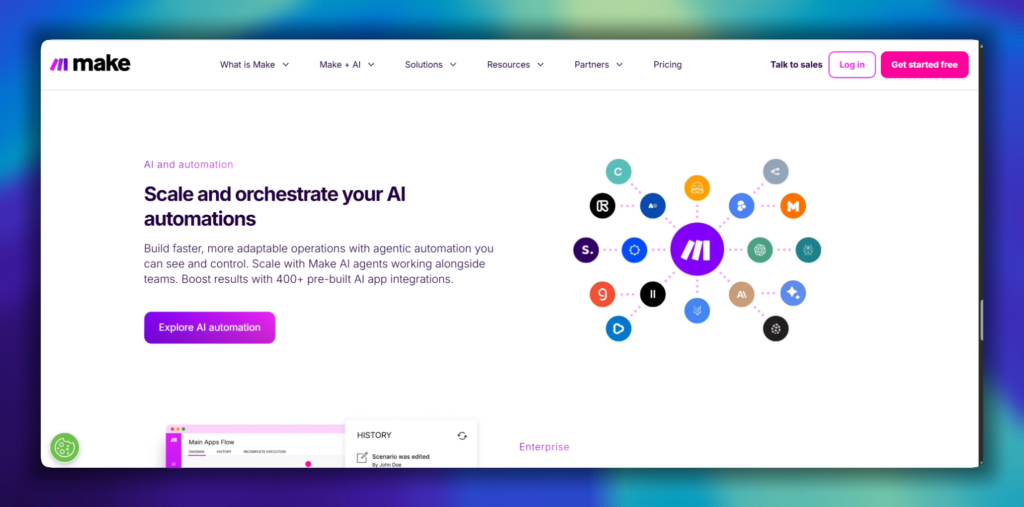
Make is n8n’s closest competitor. Visual workflow builder, powerful data manipulation, serious depth. But easier for non-developers
Best for
- Marketing teams building multi-step campaigns or Ad campaigns.
- Operation teams connecting SaaS tools without coding
- Automations with complex branching logic
Notable Strengths
- 3,000+ integrations covering mainstream and niche apps
- Visual builder shows entire workflow at once
- Built-in function for data transformation without writing code
- Better onboarding for beginners
Limitations
- Operation-based pricing gets expensive for workflows with many steps
- No Self-hosting option (cloud only)
- Custom JavaScript code requires Enterprise plan
Pricing: Free plan with 1,000 operations/month. Paid plans start at $9/month.
vs n8n: More integrations and easier for non-technical users, but less control and significantly more expensive at scale. (I mean massive scale like 100k operation)
Zapier: Best for Speed and Breadth of integrations
Zapier invented the automation category. still the easiest to use. Still the most expensive at scale
Best for
- Teams that need to automate fast without learning curve
- Connecting mainstream business apps (everything integrated with zapier)
- Simple to medium complexity workflows
Notable Strengths
- 8,000+ integrations – If an app exists, Zapier probably connects to it
- Simplest interface in the marketing (linear trigger > action > action)
- AI features for building workflows from descriptions
- Extensive template library for common use cases
- Best documentation and support
Limitations
- Most expensive option by far (a workflow costing $20/month on n8n might cost $200/month on zapier)
- Limited customization compared to n8n or make
- Code steps exist but are restrictive (timeouts, limited libraries)
- Multi-step conditional logic feels clunky
Pricing: Free plan with 100 tasks/month. Paid plans start at $20/month but scale quickly with usage.
vs n8n: Easiest to use with most integrations, but 5-10x more expensive at scale and limited customization. Use Zapier when speed matters more than the cost and you need something working today. Use n8n when you have a developer resources and want control.
Activepieces: Best for Opensource AI-Native Automation
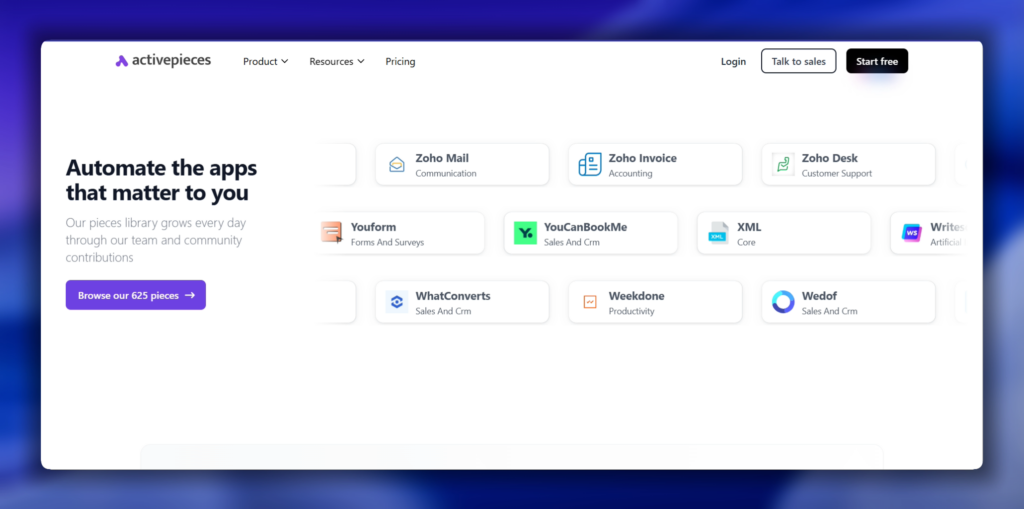
Activepieces is what n8n could have been. True open-source license (not n8n’s Sustainable Use License). Built for AI from the ground up.
Best for
- Teams building AI agents and LLM workflows
- Developers who want truly open-source (not fair-code)
- Organizations needing Model Context Protocol (MCP) support
Notable Strengths
- 594+ pieces (nodes) with deep AI integration
- Supports MCP – 400+ MCP servers for AI agents
- True Apache 2.0 license (fork it, embed it, do whatever you want)
- AI pieces are automatically available as tools for LLMs
- Free self-hosted version with no execution limits
- Generous cloud free tier
Limitations
- Smaller community than n8n (fewer tutorials, less help)
- Integration library smaller than Make or Zapier
- Less mature – newer platform means occasional rough edges
- Documentation not as comprehensive as established tools
Pricing: Free self-hosted. Cloud free tier with 1,000 tasks/month. Pro plan $100/month.
vs n8n: Similar flexibility and self-hosting, stronger AI focus, truly open-source license. Choose Activepieces if you’re building AI-first workflows or need a genuinely open license. Choose n8n for more integrations and a larger community.
Gumloop: Best for AI-Powered Workflows for Non-Developers
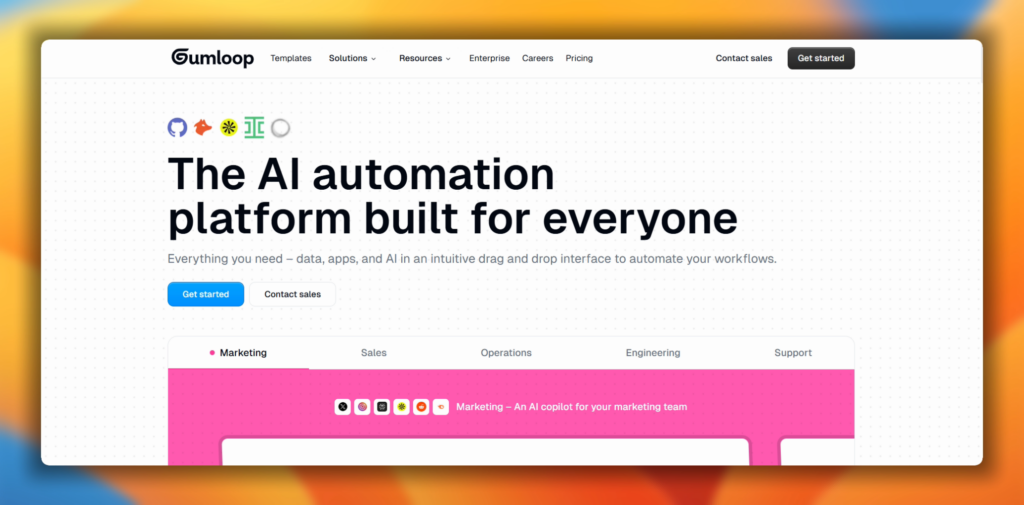
Gumloop built automation for the AI era. Natural language workflow creation, built-in LLM access, AI debugging assistant.
Best for
- Non-developers building AI workflows
- Content generation and enrichment pipelines
- Teams that want AI capabilities without API complexity
Key Strengths
- Describe workflows in plain English – Gumloop builds them
- Built-in premium LLM access (Claude, GPT-4, etc.)
- Gummie assistant debugs workflows and suggests fixes
- Visual canvas similar to n8n but optimized for AI operations
- Fastest time-to-value for AI-powered automation
Limitations
- Less suitable for traditional automation (database ops, email sending)
- Smaller integration library for non-AI tasks
- Newer platform with evolving feature set
- More expensive than self-hosted n8n for high volume
Pricing: Free plan available. Paid plans start around $50/month.
vs n8n: Much easier AI integration without coding, but less general-purpose. Use Gumloop if your primary need is AI workflows (content, enrichment, agents). Use n8n if you need flexibility across AI and traditional automation.
Pipedream: Best for Developer-First Serverless Workflows
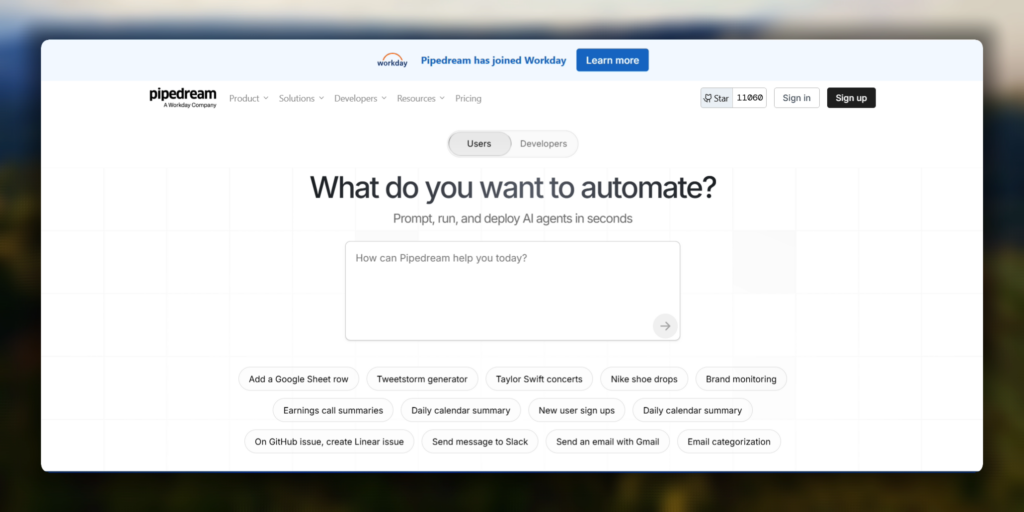
Pipedream is for developers who think visually but code when they need to. Event-driven, serverless, multiple languages.
Best for
- Developers building webhook-based integrations
- Teams comfortable with Node.js, Python, Go
- Serverless architecture fans
Notable Strengths
- Code-first approach with visual workflow builder
- Event-driven architecture (perfect for real-time triggers)
- Write code in Node.js, Python, Go, or Bash
- Generous free tier (10,000 invocations/month)
- Native support for npm packages and pip libraries
- Excellent VS Code integration
Limitations
- Requires coding knowledge (not suitable for non-developers)
- Less visual than n8n or Make
- Smaller integration library than visual-first tools
- Learning curve if you’re used to pure no-code
Pricing: Free plan with 10,000 invocations/month. Paid plans start at $29/month.
vs n8n: More developer-friendly with better code environment and serverless architecture. Choose Pipedream if your team codes daily and wants serverless. Choose n8n if you want balance between visual building and code customization with self-hosting control.
Quick Comparison Table
| Tool | Best For | Integrations | Self-Hosting | Pricing Model | Learning Curve | AI Capabilities |
|---|---|---|---|---|---|---|
| n8n | Technical teams, high-volume workflows | 400-1,200 | Yes | Execution-based | Steep | Strong (LangChain, agents, MCP Supported) |
| Make | Non-technical teams, visual complexity | 3,000+ | No | Operation-based | Moderate | Limited |
| Zapier | Speed, mainstream apps | 8,000+ | No | Task-based | Easy | Moderate |
| Activepieces | AI-first, truly open-source | 594+ | Yes | Execution-based | Moderate | Excellent (MCP support) |
| Gumloop | AI workflows for non-devs | Moderate | No | Varies | Easy | Excellent |
| Pipedream | Developer workflows | 1,000+ | No | Invocation-based | Steep | Good |
When n8n is Still Right Choice?
Not every search for alternatives should end in switching. n8n still win in specific scenarios.
You have developer resources. If your team includes developers or technical operations staff, n8n’s flexibility pays off. The learning curve becomes irrelevant when someone can write JavaScript in the Code node or read API documentation for HTTP requests.
You need full data control. Healthcare, finance, government, or any regulated industry with data sovereignty requirements. Self-hosting n8n on your infrastructure means data never leaves your control. That’s impossible with cloud-only platforms like Zapier or Make.
You’re running high-volume workflows. A workflow that executes 100,000 times per month costs $50-100 on n8n Cloud. That same workflow might cost $500+ on Zapier or Make. For volume, n8n’s execution-based pricing is unbeatable.
You want to contribute or fork the codebase. Even though n8n uses a Sustainable Use License (not pure open-source), you can fork it, modify it, and contribute back. That’s more flexibility than any closed-source alternative.
You’re building complex, unique workflows. When your automation needs don’t fit templates or pre-built integrations, n8n’s Code node and HTTP Request node let you build anything. I’ve built custom error handling, rate limiting, and data transformation logic that would be impossible in Zapier’s linear model.
Frequently Asked Questions
Is there a completely free n8n alternative?
Activepieces and Pipedream both offer generous free tiers. Activepieces is truly open-source (Apache 2.0) and can be self-hosted with no limits. Pipedream’s free tier includes 10,000 invocations per month. Zapier and Make have free plans but with tight restrictions (100-1,000 tasks/month).
Which n8n alternative is easiest for non-technical users?
Zapier wins for pure simplicity. Linear workflows, massive integration library, extensive templates. Make is second – more powerful than Zapier but still visual and approachable. Gumloop is easiest specifically for AI workflows.
Can I migrate my n8n workflows to another platform?
Not directly. No tool offers import from n8n’s workflow JSON. You’ll need to rebuild workflows manually. The concepts translate (triggers, actions, data flow), but the implementation differs in each platform. Budget 2-4 hours per workflow for rebuilding and testing.
Which alternative has the most integrations?
Zapier with 8,000+, followed by Make with 3,000+. But count isn’t everything. Check if your specific apps are supported and how deeply integrated they are. A platform with 1,000 integrations but deep support for your tools beats one with 5,000 shallow integrations.
What’s the cheapest n8n alternative for high-volume workflows?
Depends on workflow structure. For complex workflows (10+ nodes per execution), n8n’s execution-based pricing is usually cheapest. For simple workflows (2-3 steps) running frequently, Make’s operation pricing might cost less. Self-hosted Activepieces is free but requires infrastructure management. Run your numbers with each platform’s pricing calculator.
Is Make better than n8n?
“Better” depends on your team’s skills and needs. Make is better for non-technical teams building visual automations quickly. n8n is better for technical teams needing customization, high-volume workflows, or self-hosting. Make has more integrations; n8n has more control. Choose based on your situation, not popularity.
Your Next Move
There’s no single “best” automation platform. The right choice depends on your team’s technical skills, workflow complexity, volume, and budget.
If you’re still using n8n and it’s working, don’t switch just because alternatives exist. But if you’re fighting the learning curve, overpaying for executions, or need better non-technical user support, one of these alternatives probably fits better.
Start with free tiers. Build the same test workflow in 2-3 platforms. See which one feels right for your team. The right tool is the one your team will actually use.
And if you decide n8n is still your platform? The complete n8n beginner guide is the best place to get more out of it.